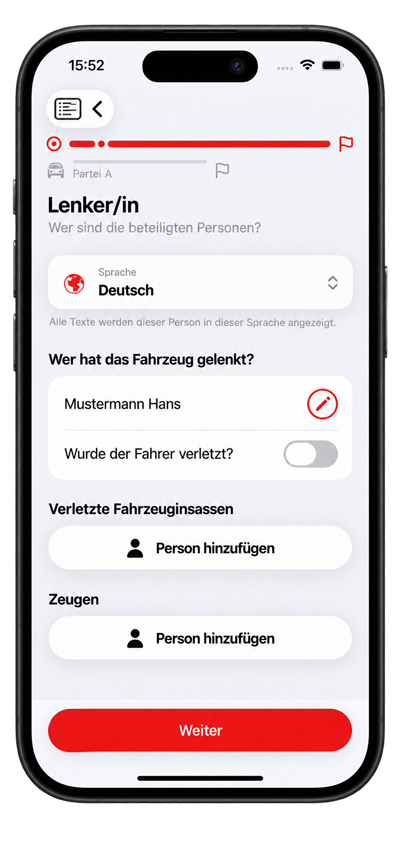
Party language
An accident story
Friday, 5:42 p.m.
A minor rear-end collision abroad. No paper form and no common language.
01 · The moment
No one is injured. The vehicles are safe. Still, the pressure rises: Who records which information? How do the parties communicate? What does the insurer need?
02 · The guidance
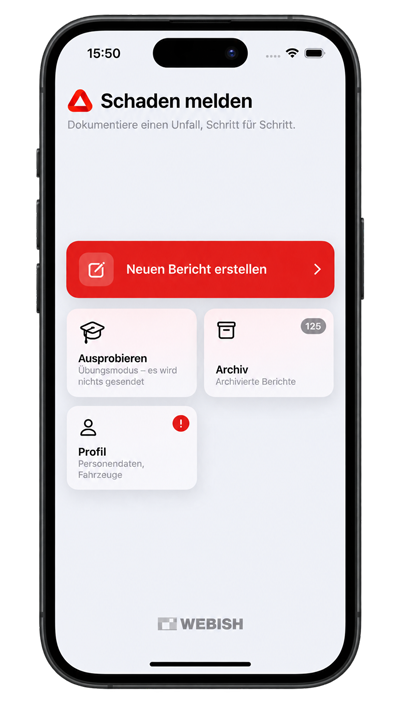
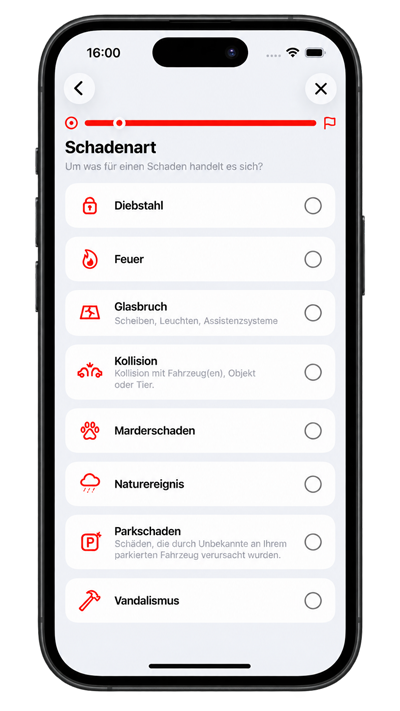
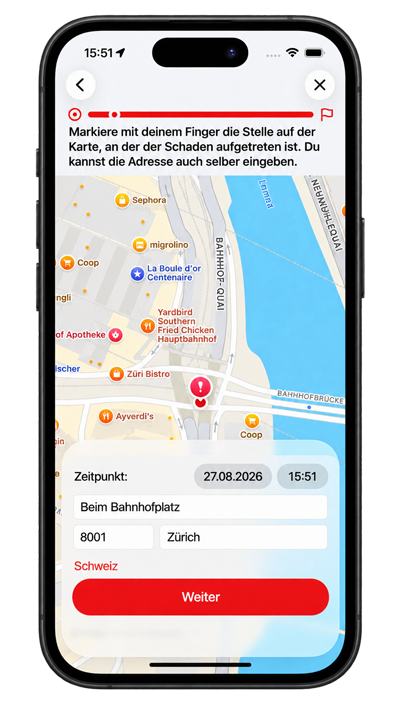
Damage type, safety, police, accident location and then the parties involved follow in a clear sequence. Collisions with people are a separate case. If anyone is injured, the app tells users that the police must be called.
03 · Communication
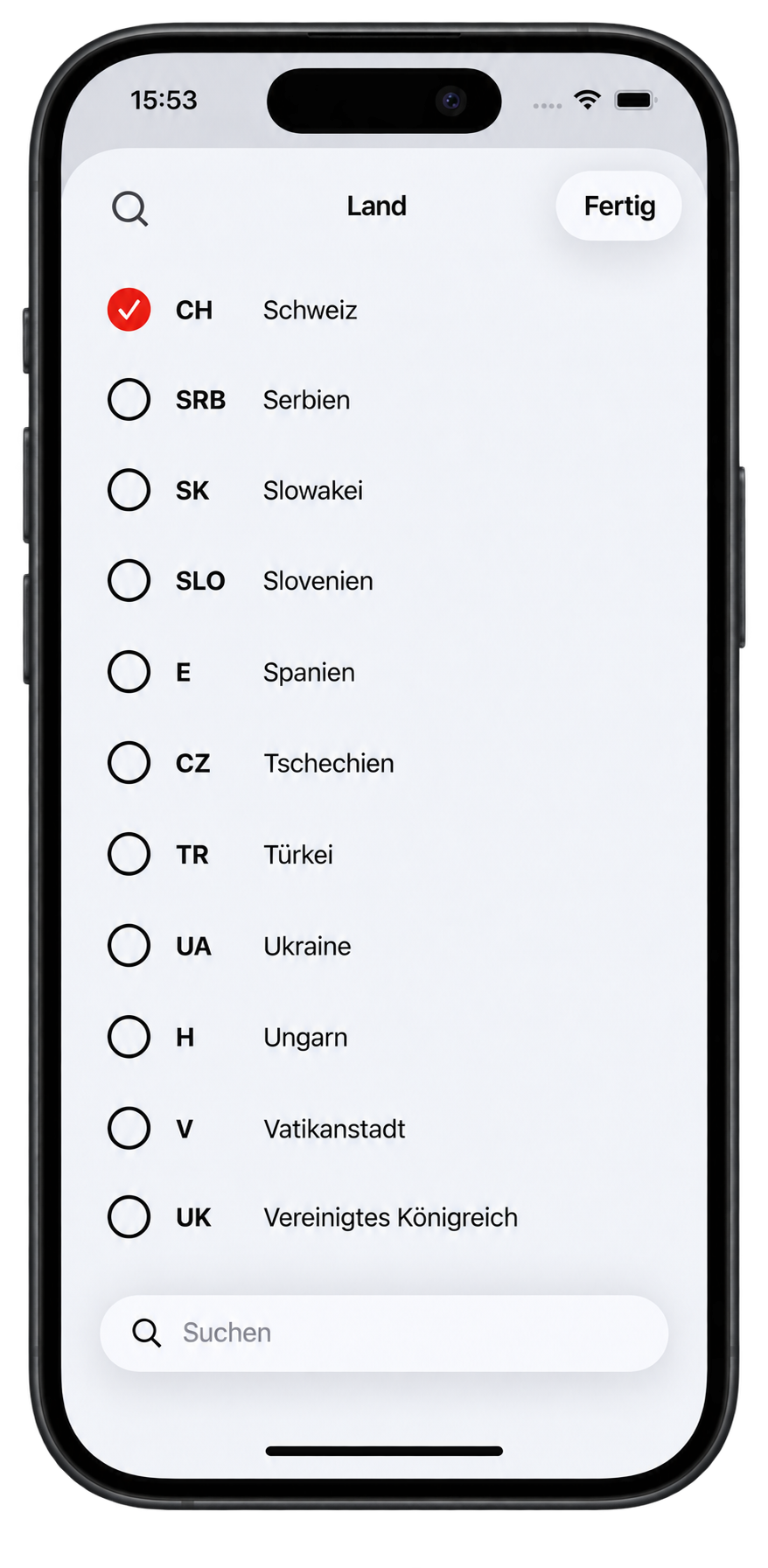
A language is selected for each party involved. Shared questions appear to that person in their language. Remarks can be translated for other recipients. A total of 14 languages are available.
Party language
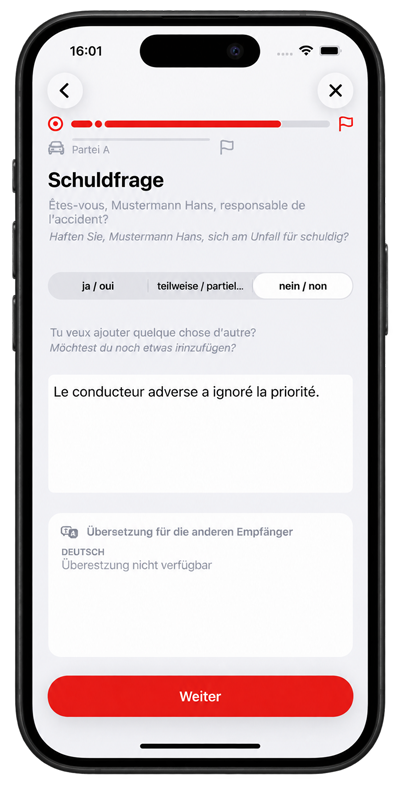
Deutsch ↔ Français
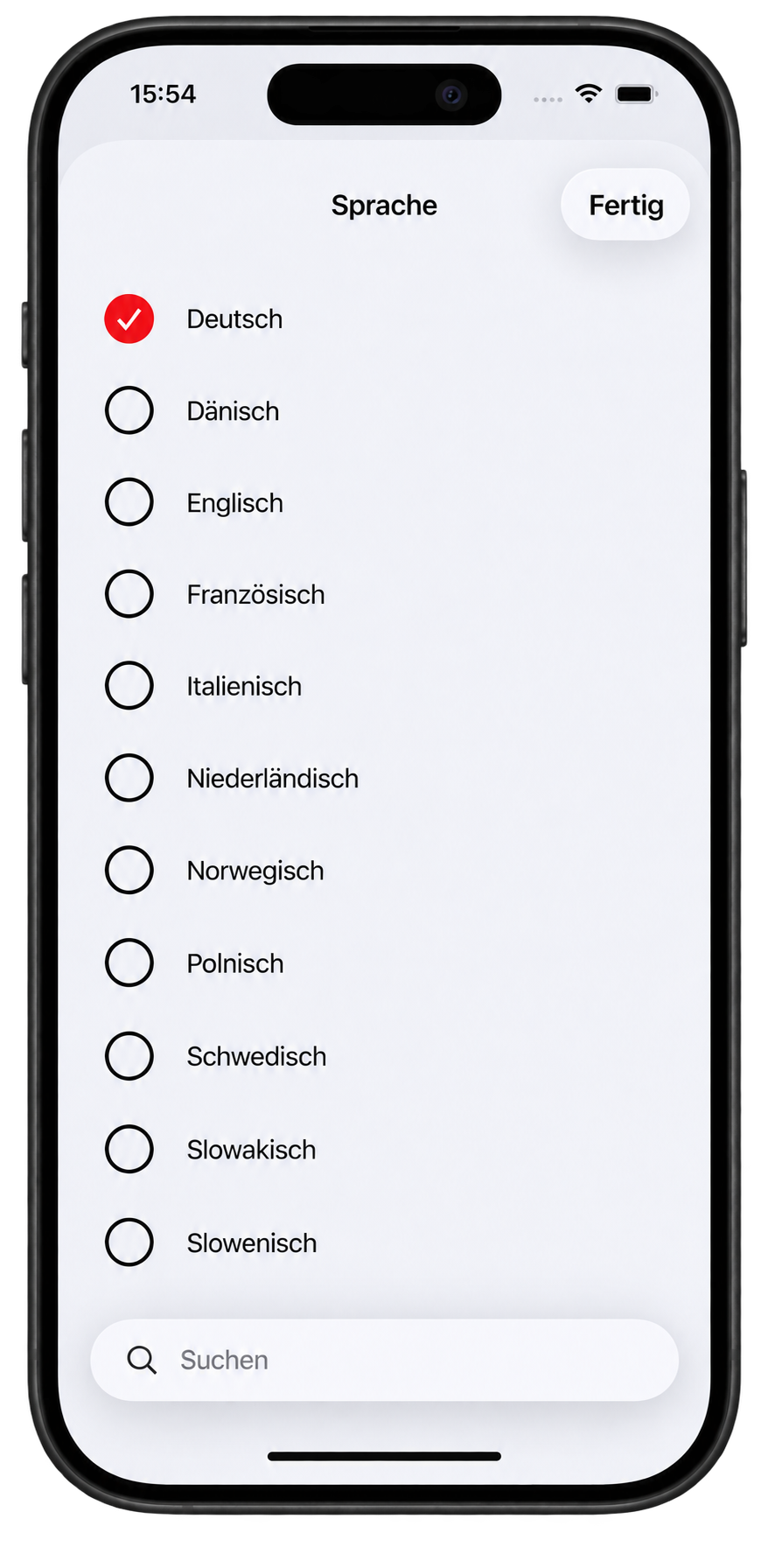
14 languages
04 · Fully documented
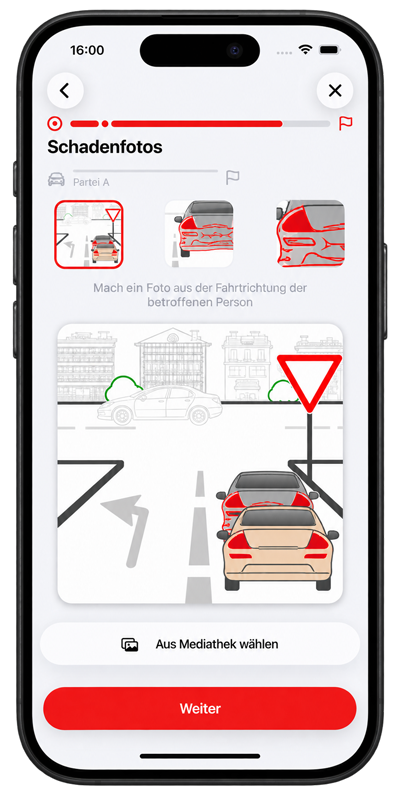
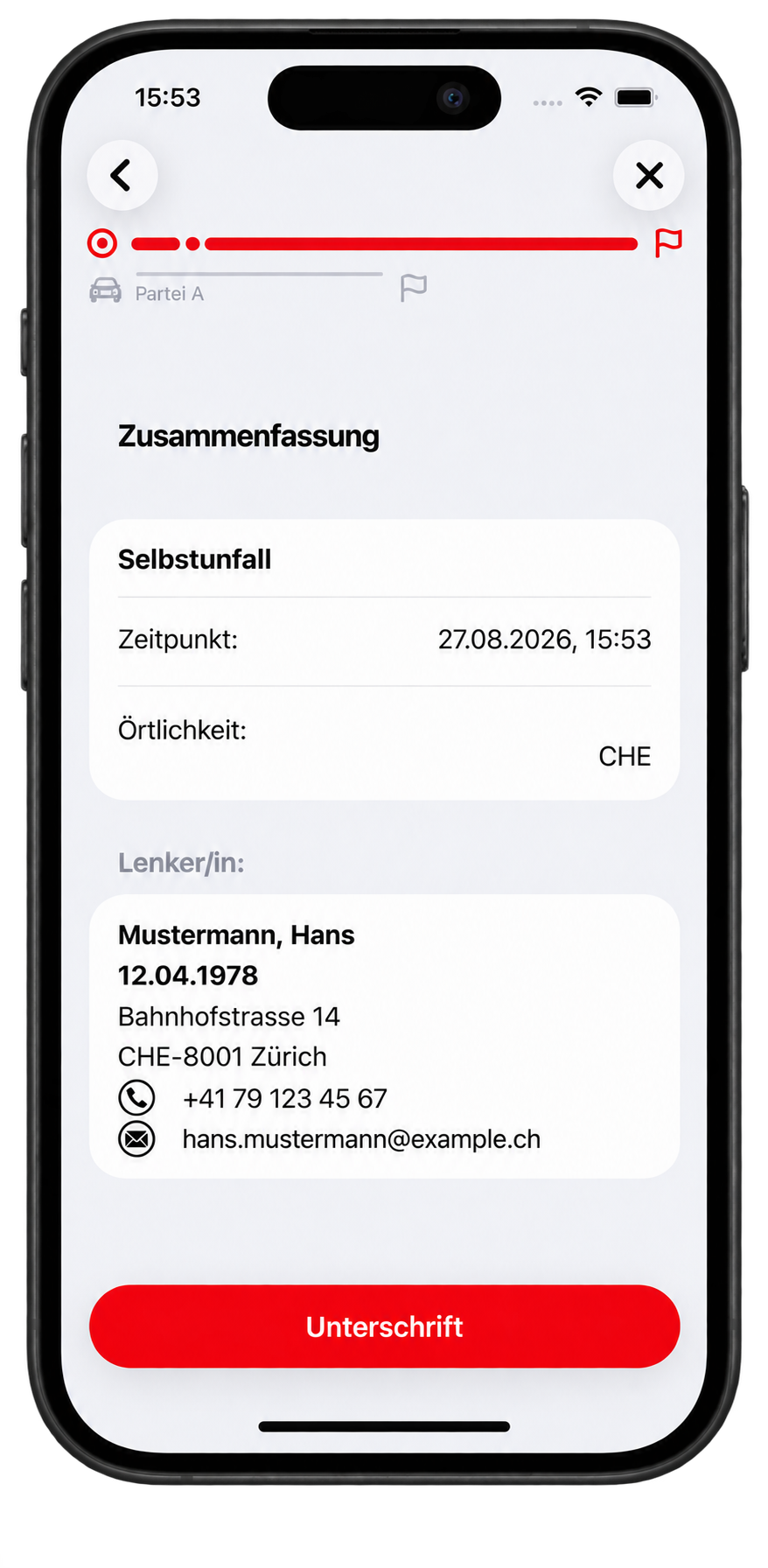
The claim can include drivers, injured occupants and witnesses. It also records the official accident circumstances, point of first impact, damage photos, remarks and the signature. Driving licence data can be read from an MRZ or QR code where the licence carries it.
05 · The next step
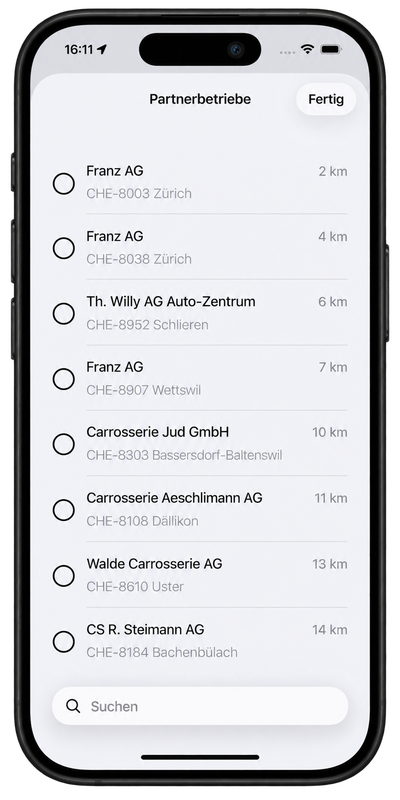
The app shows repair shops by distance. Shops preferred by the insurer are marked. Other shops are also listed whether or not they have a contract with the insurer. Search finds name, street, town and postcode.
06 · Submission
The app does not send emails itself. After confirmation, it hands the claim to the server. The server creates the PDF in the language of each recipient and distributes it. The confirmation step states that the personal data are deleted once all parties have received the report.
View data protection details →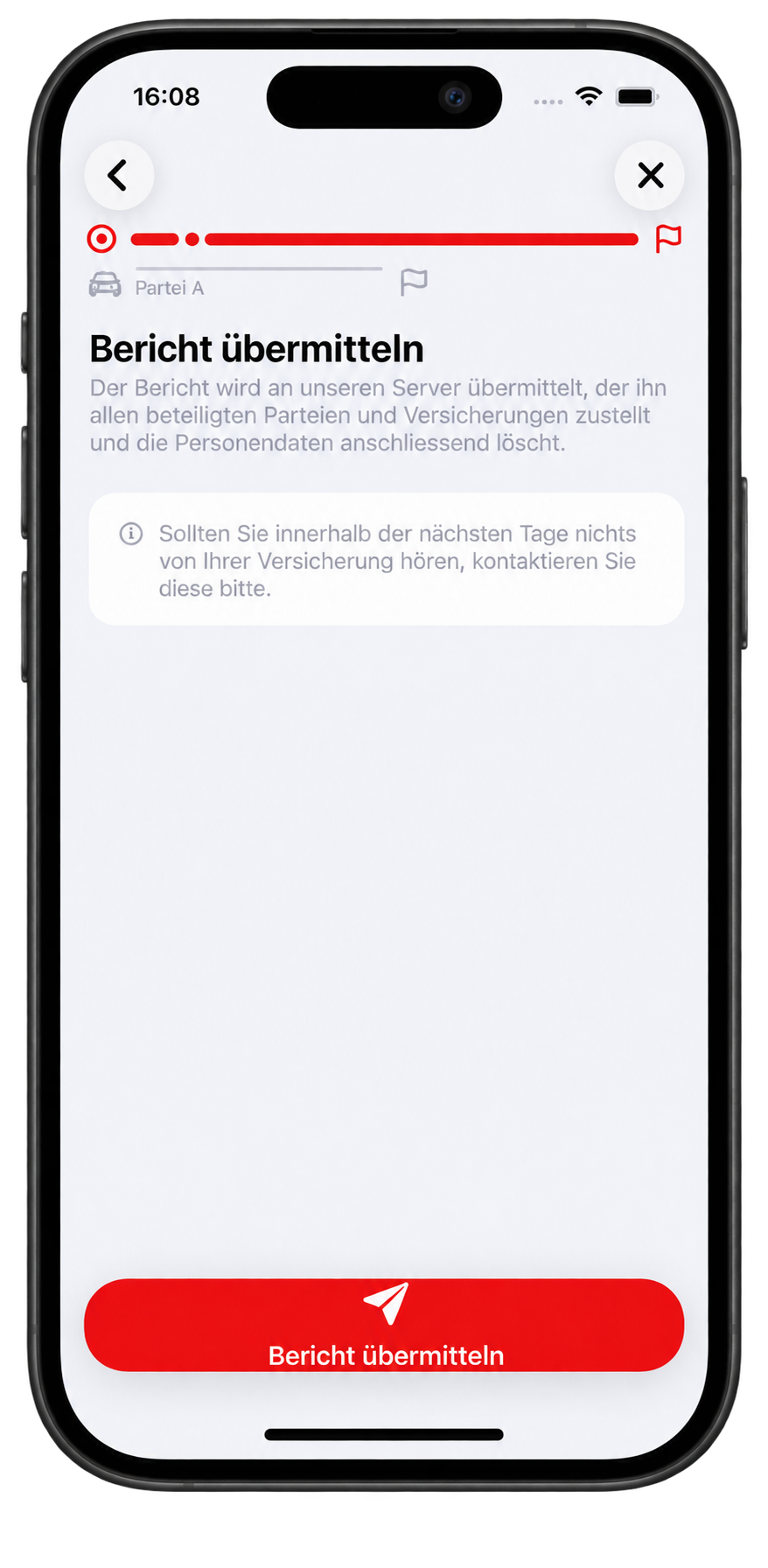
07 · Archive & downstream processing
The PDF generated by the server returns to the app and is stored on the device. A completed report can be shared from the archive as a PDF together with the Mistra XML. The archive also shows which parties could not be reached by email.

Accident Tool by WEBish
Experience the solution in a personal demo or discuss a concrete pilot with us.